
Today’s post is a collection of my thoughts on good control design and how to apply it to game design. Creating an effective control scheme is one of those elements that take practice and a careful eye, but there are some important tips that can make the process easier for you.
These points have been talked about on Game-Wisdom several times in the past, so we’re not going to spend as much on them. This is merely a one-stop guide for designers and students interested in a cheat sheet.
1. Understand the Neutral Position
The first one should be simple enough: Understand the player’s neutral position when playing your game. The neutral position is the default position that the player will have their fingers either on a gamepad or keyboard and mouse. From this position, you should build your most important controls around this; elements like movement, primary action, controls during the heat of battle and so on.
A sure sign of failure on the designer’s part is having the player to constantly shift their hands away from the neutral position during play. While you can have controls that will shift the hands away, it’s important not to make them come up frequently in-game or during the heat of action. In the Souls games for instance, while you will make use of every button on the gamepad during play, you’re going to focus on specific buttons during certain situations and never use all the buttons at the same time.
If something is happening frequent enough that the player will be making use of it, it should be assigned to a primary action. The primary actions should always be buttons that the player’s fingers are going to be on while at the neutral position.
With that said, there comes a time when you have too many commands and not enough buttons, and that’s where this next tip comes in.
2. Button Shortcuts
With controls now standardization among gamepads, designers are now limited to four shoulder and four face buttons to make use of. One element you should keep in mind is that you want to avoid filling the gamepad with commands; the reason is twofold. First, it can become very confusing to have to make use of eight different commands at the same time (unless we’re talking about fighting games.)
Second, porting such a game to a keyboard and mouse becomes very difficult due to how the keyboard is laid out compared to a gamepad. Because you’re using more fingers for movement compared to an analog stick, a player cannot hit more than a handful of buttons comfortably.
This is where the use of context sensitive and modifier commands come in. These allow you to have more commands without needing more buttons.
You can have context sensitive commands setup on those that are black and white, meaning that there will never be confusion about which one to do.
Modifiers allow you to build complex actions or different move sets without needing more buttons: See DMC or Assassin’s Creed as examples. Again, everything you can do to limit the number of buttons needed to play your game will make it easier to learn.
3. Don’t have too few Buttons
While the temptation is there to have the majority of your commands be context sensitive, you need to be careful to have enough buttons for your control scheme. If too many commands are assigned to a single button, it’s very easy to have the wrong one go off when the player didn’t need it to. A good example of this is when tactical games have both the movement and fire commands on the same button or mouse click; making it very easy for one to go off when you wanted the other.
The common rule of thumb is that if a command is so vital that the player needs to use it at a moment’s notice or is constantly in use, then it should be assigned its own button and be separate from the other functions. For instance, in a platformer you would never have the jump button have multiple commands attached to it.
4. Use the Gamepad as a Guide
An underrated element of good control design is using the positioning of the gamepad to help with learning the commands. Assassin’s Creed did this to great effect, with the AXBY commands tied to legs, arms and head actions respectively. In Dark Souls for instance, I know that the left trigger buttons are for my left hand and the right are for my right hand; while it’s not a huge deal, little things like that are good tricks to pick up on.
While it’s harder to make use of this for a keyboard, you do have some wiggle room.
For instance, in strategy games, try to have your shortcuts/hotkeys in similar position as they appear on the actual UI; look at Starcraft 1 and 2 as cases in points. Anything you can do to make it easier to remember commands you should do.
5: Don’t Rely on Controller Mapping
It’s common to have the option for the player to define their own control scheme regardless of platform, and it’s a good feature, but it’s not one that you should rely on as a game designer.
The fact of the matter is that you should know the best way to play your game, because you’re the one who made the game in the first place. The more someone had to fiddle with the controls, the less effective you were at your job.
Figuring out the best control scheme for your game requires a lot of playtesting, both from you and from people testing it. Getting the feel right. Remember, no one has time to spend figuring out your control scheme; if it doesn’t make sense within minutes of play, it’s very likely that people will give up on your game. Hopefully these five tips will help and if you can think of anything else, feel free to leave them in the comments.

Microsoft announced its financial results for Q3 of fiscal year 2026, including an update on its gaming Xbox business and more.

Not looking good. Hopefully Asha Sharma is able to turn Phil’s disaster around.


To me it's still quite remarkable how they can cash-in 5.3bn in revenue in a single quarter, since their hardware is basically dead.


The charity event will be streamed live from Gamescom in August.
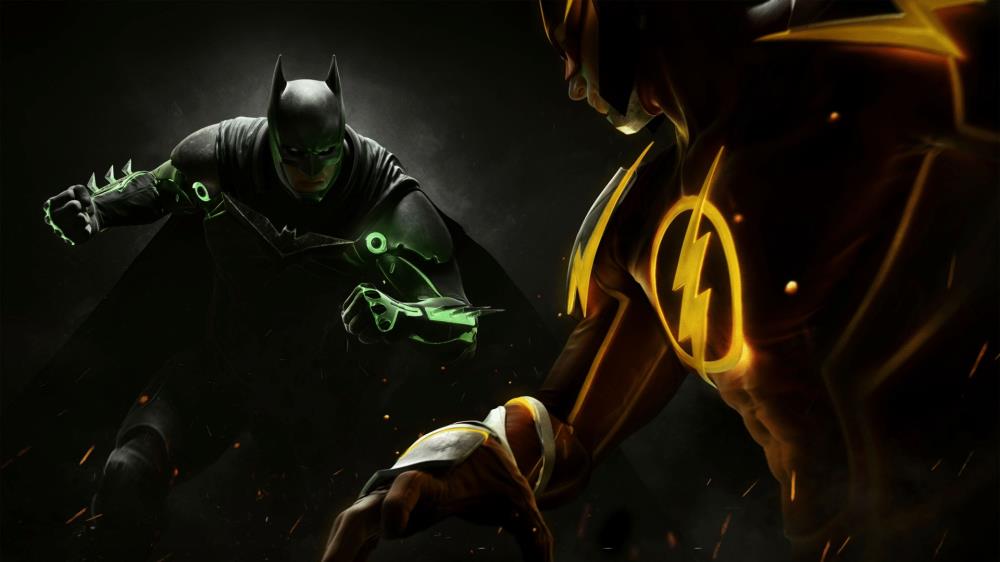
Thanks to the slip-up of an artist working on the title, we now have more evidence that a new Injustice game is in the works.