
Hello everyone.
There was an update earlier this week that affecting caching on the site. Some people may be having issues connecting to the site and are getting Application Errors when logging in.
If you are getting Application Errors when trying to log onto N4G, please do the following:
1. Clear your cache and all cookies associated with N4G for all time.
2. Completely close out your browser.
3. Go back and log back in.
This should fix your issue. But, make sure that #1 is for all time. Only 4 weeks may not be enough.
This is the same on mobile, but you might have to look up how to do it on some browsers like Samsung browser or the like.
Additionally, if none of this works for you right now, going incognito and logging in that way will always work since it doesn't cache data or cookies in that mode.
Thank you,
Christopher

In a surprise announcement, Steel Wool Studios have unveiled Five Nights at Freddy's: Secret of the Mimic VR for PSVR 2.
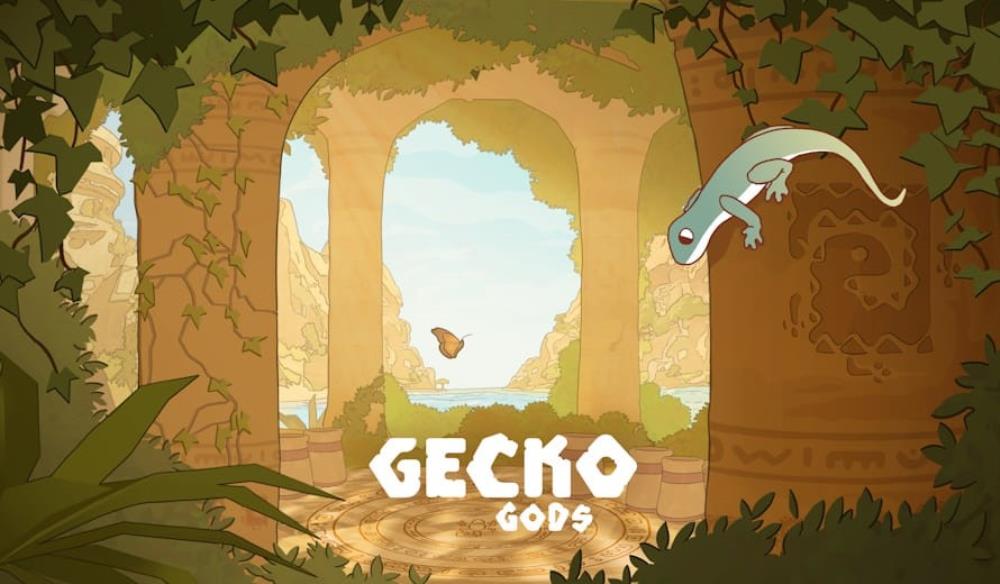
Take on the role of a gecko in Gecko Gods, a relaxed Legend of Zelda-style adventure.

Resident Evil Requiem surpasses 7 million copies sold, becoming the fastest-selling entry in the franchise





I was getting errors on mobile with both Firefox and Chrome. Deleting the cookies worked, thanks!
I'm getting runtime error on mobile. Not even just logging in but acccessing the site...
I'll need to do this. I switched over to a crap browser that works but, again, it's crap.
The issue comes and goes, its occurring on a few sites (ours included) also. It's an issue with Google chrome? At least for me and many others, I know google stopped updating third party cookies last month and I think they are finally taking effect
An article we found on it: https://www.forbes.com/site...
Already fixed it on chrome