
When the Playstation 3 first came out, people wondered if it would work on their PC via a USB connection. As it turned out, Vista detected the controller, but button inputs did not work. Some solutions came out, such as the use of libusb, but that never worked with Vista and in fact disabled USB completely.
Now there is a solution to use the PS3 controllers (SixAxis and DualShock 3) in Windows Vista. All it takes is a simple driver found here.
Microsoft announced its financial results for Q3 of fiscal year 2026, including an update on its gaming Xbox business and more.


Not looking good. Hopefully Asha Sharma is able to turn Phil’s disaster around.


To me it's still quite remarkable how they can cash-in 5.3bn in revenue in a single quarter, since their hardware is basically dead.

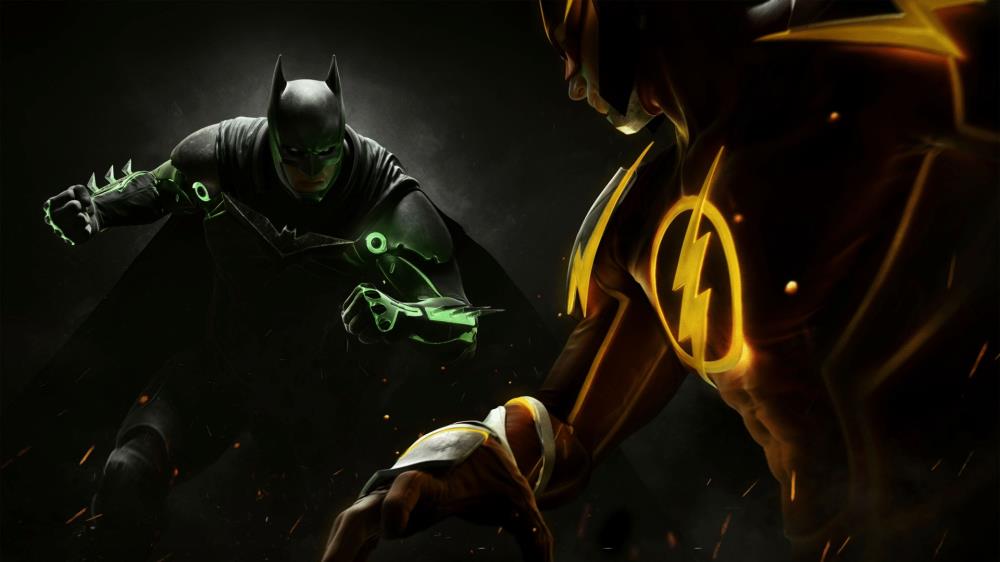
Thanks to the slip-up of an artist working on the title, we now have more evidence that a new Injustice game is in the works.

Spiders: "We're going to cut straight to the chase so you're not left wondering: After a long period without clear answers, we have received confirmation that Spiders is being liquidated.
What does it mean? This means the company as a whole no longer exists. We'll cease our functions immediately. The planned DLC will release via Nacon, and then-- well, that's it.
We're sorry that it's come to this and would like to thank each and every one of you for your support over the years.
If you have any questions or run into issues with your games, please contact Nacon directly as we'll no longer be able to reply."




The controller alone would cure all the problems VISTA has as soon as it is plugged in
{way to go sony}
I've been using this driver for quite a while and they're alot more effective than the drivers found at Sourceforge.net, just know that when you load up these drivers, the USB will no longer charge your SIXAXIS or DS3 controller because the driver emulates a gamepad (obviously). Also, the moment you unplug the controller from the USB, the controller will automatically turn on your PS3 regardless if it's within range(problematic sometimes).
If you want to charge your controllers on the PC again, just follow these steps, make sure your PS3 controller is still plugged in, otherwise you'll have trouble to deal with.
1. Uninstall the Saike SixAxis Drivers from Control Panel > Add/ Remove Programs. It will be called "SixAxis Drivers 0.XX (X is obviously a variable for whatever version you have)
2. Uninstall the USB Drivers; Right-Click "My Computer" > Properties > Click the "Hardware" Tab > Device Manager > USB HiD(Something similar) marked by a yellow question mark: That's your PS3 controller. Right-Click > properties just to make sure. The 'device type' will definitely say "PLAYSTATION 3(R)" -winner!
3. Unplug your PS3 Controller once you're done and replug it in, doesn't matter which USB port.
4. PC should pick up your PS3 Controller and if all's sound (taskbar), the PS3 controller's port-indicator should all light up, signifying your controller is charging.
P.S. - The Saike SixAxis Driver works for both Vista and XP SP2-3. (not 1 unfortunately, but who's using SP1 anyways?)
Thank you for posting this. I'm using the driver as we speak, and it's great!
It's a very good idea, but Vista would give the controller the incurable disease known as RROD.